Your company’s bookings
Find a job by number, your reference or postcode. Use the diary filters to see current, upcoming and previous bookings.


Get quotes, manage bookings and check shipment updates from your desk or your phone. Keep the details together, with the ACS team there when you need us.
For authorised business users. Speak to us about access for your team.
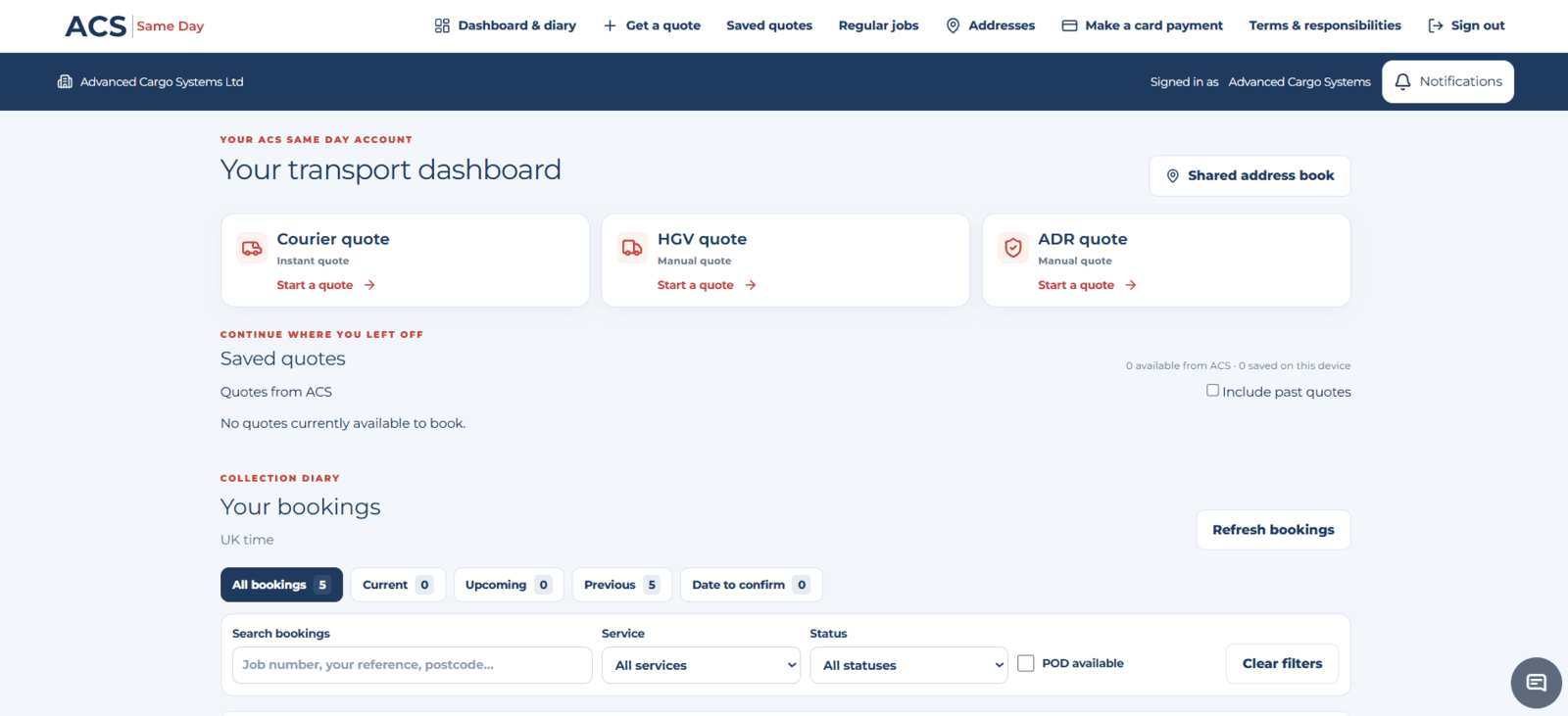
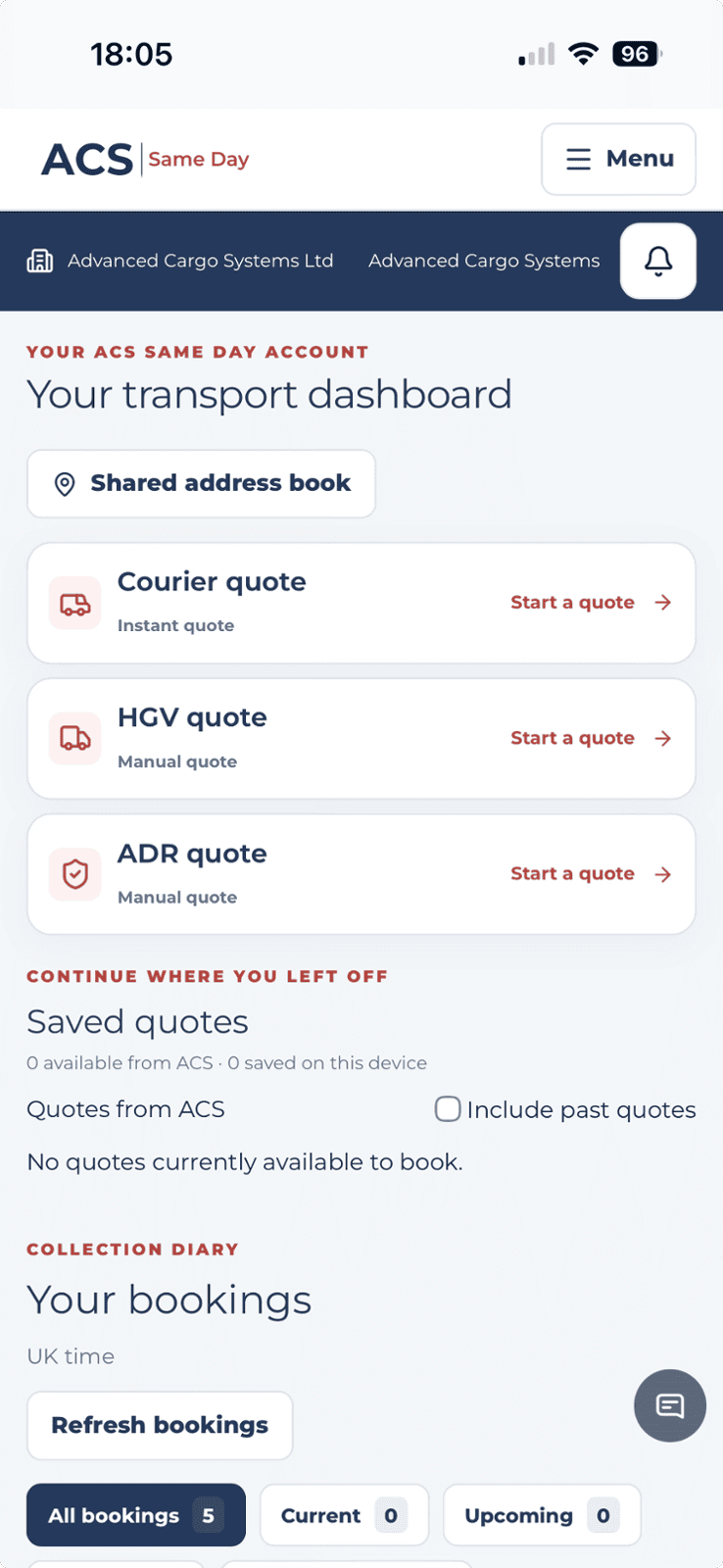
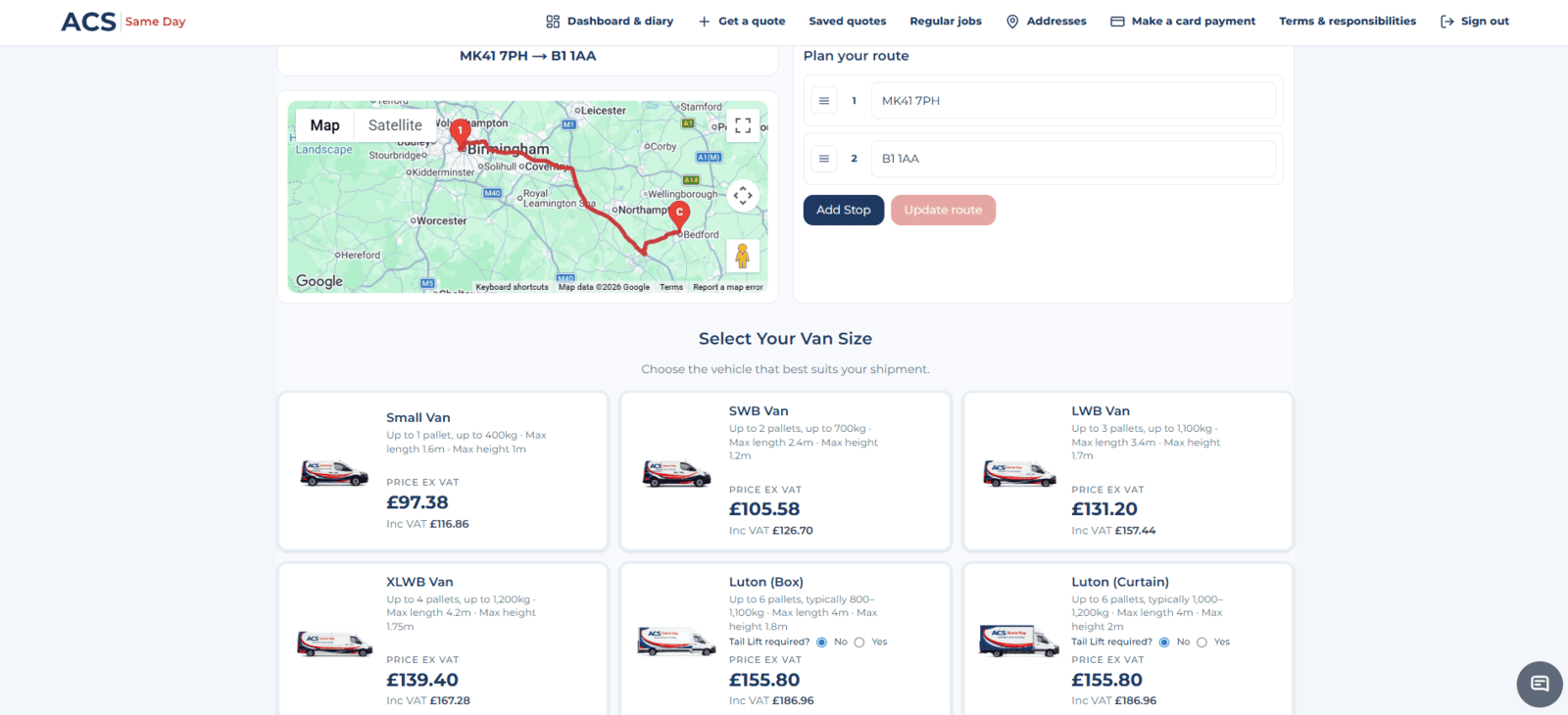
Start a courier quote from your dashboard, enter your route and timings, then compare the available van options. For HGV or ADR transport, send your requirements to our team for a quotation.
Need urgent collection or have a fixed deadline? Call 01234 385970 so we can help with the right service.
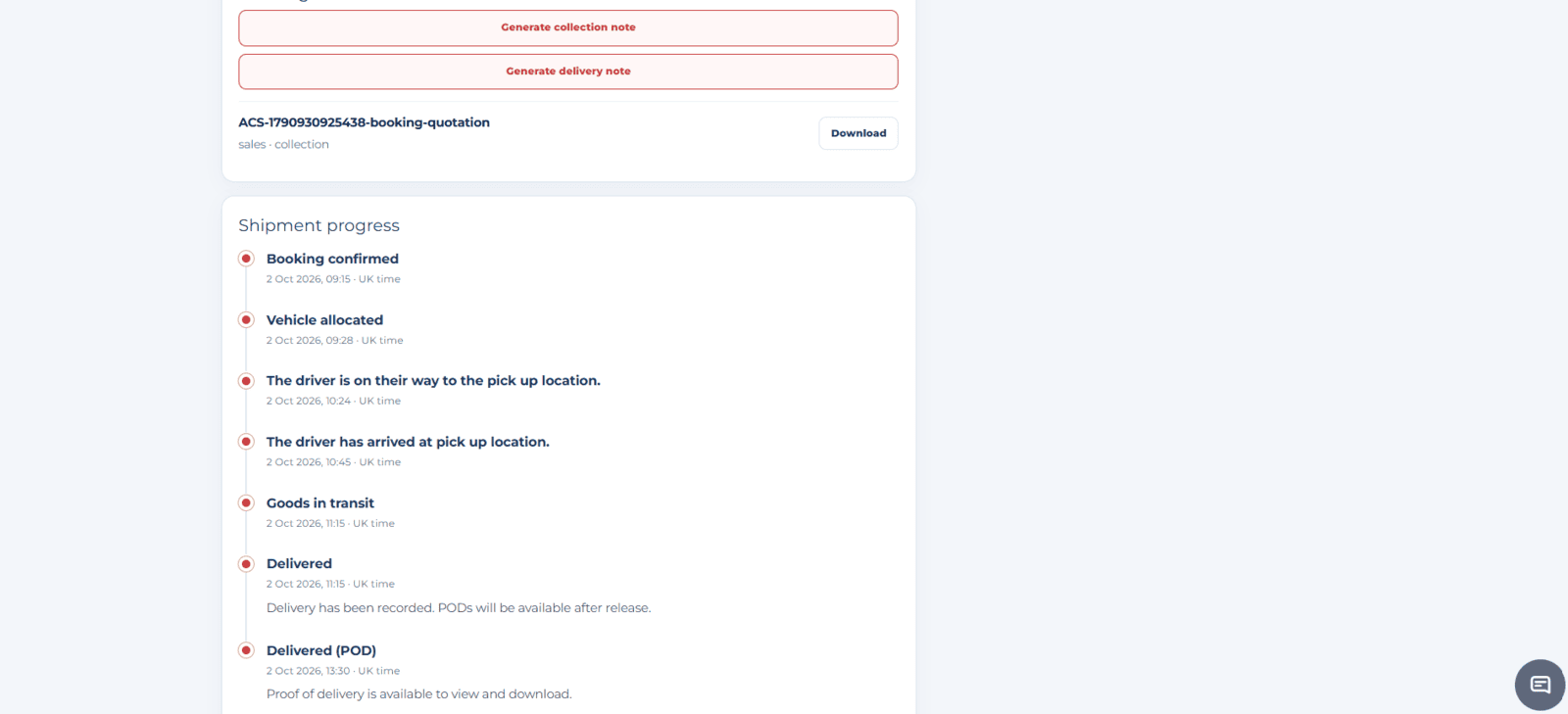
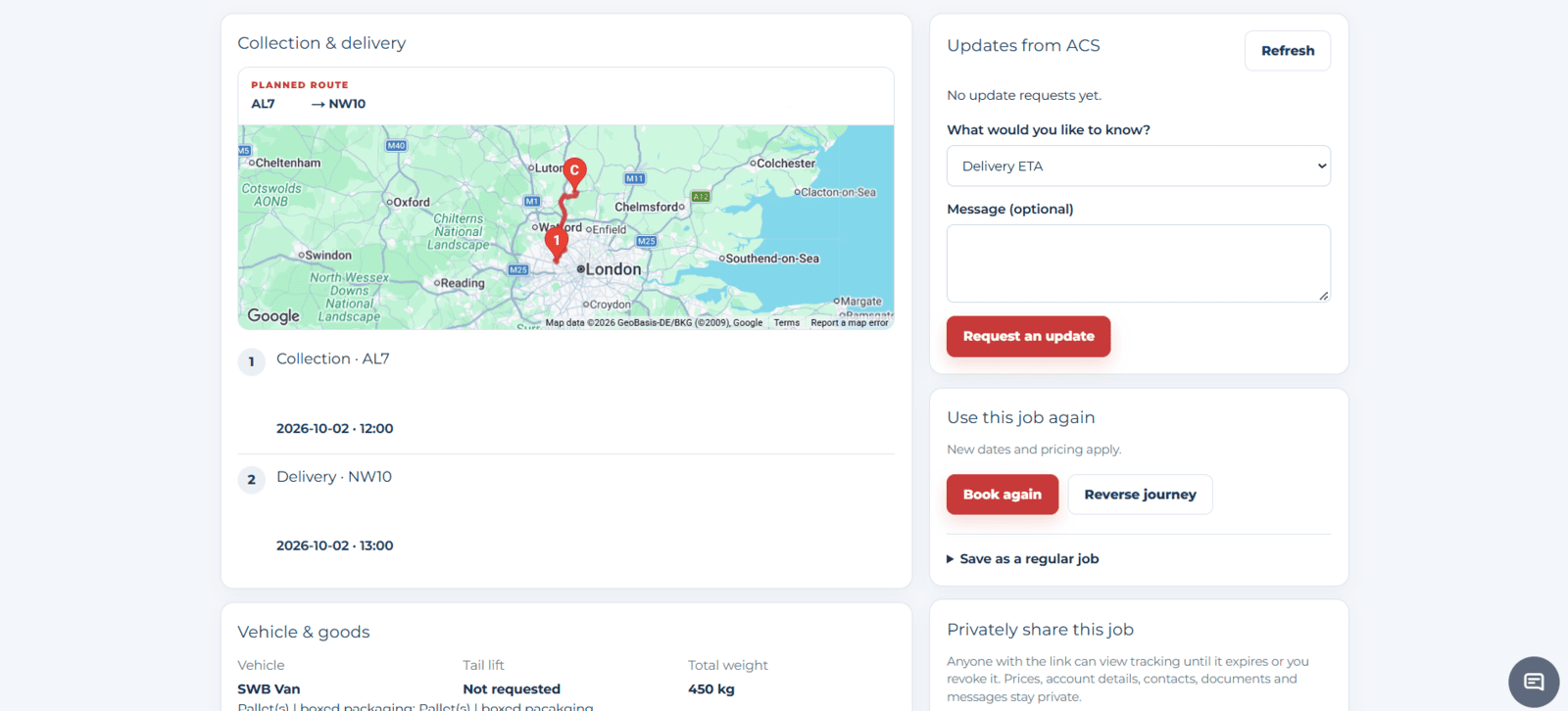
Open a booking to see its latest recorded progress. When you need more detail, request an update from ACS without starting a separate email chain.
Updates reflect the information available for each booking. Delivery can be recorded before the POD is ready to download.
Use a previous job as the starting point for your next booking. Keep regular journeys close to hand and review the details before sending a new request.
Choose your new dates and timings. New pricing and availability apply.
Find the booking, reuse an address or pick up a quote you started earlier.
Find a job by number, your reference or postcode. Use the diary filters to see current, upcoming and previous bookings.
Keep collection and delivery addresses together for your authorised team to use when booking.
Return to quotes available from ACS and quotes saved on your device. Check the details and validity before booking.
Use the portal’s card-payment link to pay through Stripe when needed. Follow the payment instructions supplied by ACS.
Tell us about your business and who needs to manage bookings. We’ll help arrange the appropriate access.
Once authorised, enter your email address and use the sign-in link sent to you.
Start quotes, find bookings and check shipment updates from your desktop or mobile.
Just need a courier quote? You can use our instant van quote calculator without portal access.
Contact ACS to ask about portal access for your business. Access is available to users authorised by their company and ACS Same Day. Once set up, enter your authorised email address on the sign-in page to request a sign-in link.
Yes. Use our public instant courier quote page for standard UK van movements, or contact our team for HGV, ADR and specialist requirements. You do not need portal access to make an enquiry.
Your company can have authorised users who access its bookings and shared address book. Speak to ACS to arrange access for the people who need it.
The portal shows the latest updates received for your booking. Tracking information and estimated arrival times depend on availability and may not refresh continuously. Use Request an update or contact ACS if you need more detail.
Once proof of delivery has been received and released, it is available to view and download from the booking. A delivered status can appear before the POD document is available.
Book again helps you start a new booking using an earlier journey. Review the details and choose your new dates and timings. New pricing applies, and the new booking is subject to availability and confirmation.
Talk to us about portal access for your business, or sign in if your company is already set up.
Prefer to speak to us? Call 01234 385970.